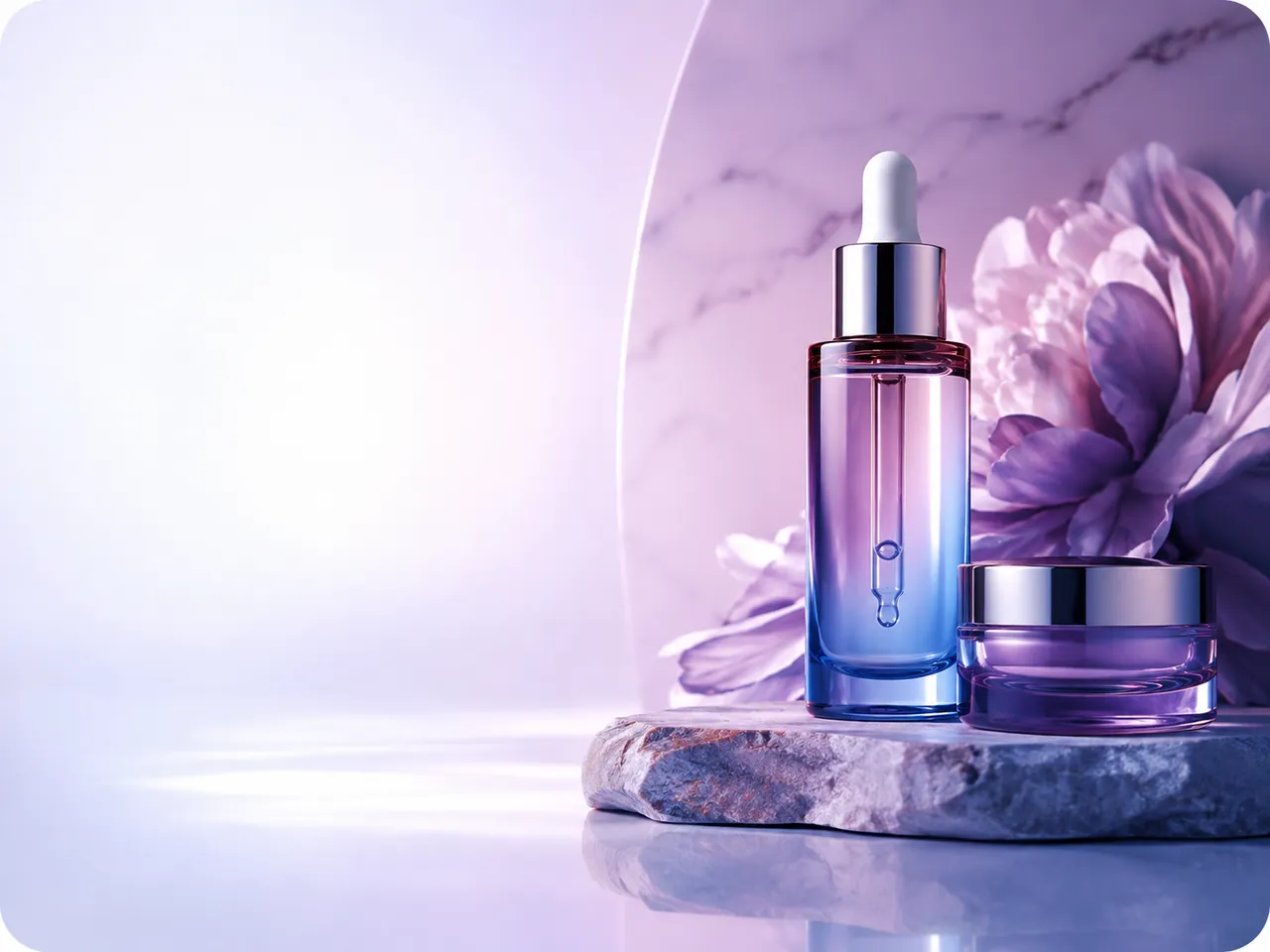
AI Image Generation
Turn your uploaded photo into professional product images, lifestyle photography, portraits, food photos, fashion visuals, and creative scenes.
Learn more: AI Image GenerationThe Image-to-Image AI Generator
Create product photos, professional AI photoshoots, campaign visuals, ads, and AI videos from one upload — with ready-made workflows and no complex prompting.
Upload, pick a style, done.
Ready-made looks, no long prompts.
Products and faces stay recognizable.
Ads, social, and print-ready.
Generate AI images, create photoshoots, edit and enhance photos, and turn still images into video — without switching between tools.
Turn your uploaded photo into professional product images, lifestyle photography, portraits, food photos, fashion visuals, and creative scenes.
Learn more: AI Image Generation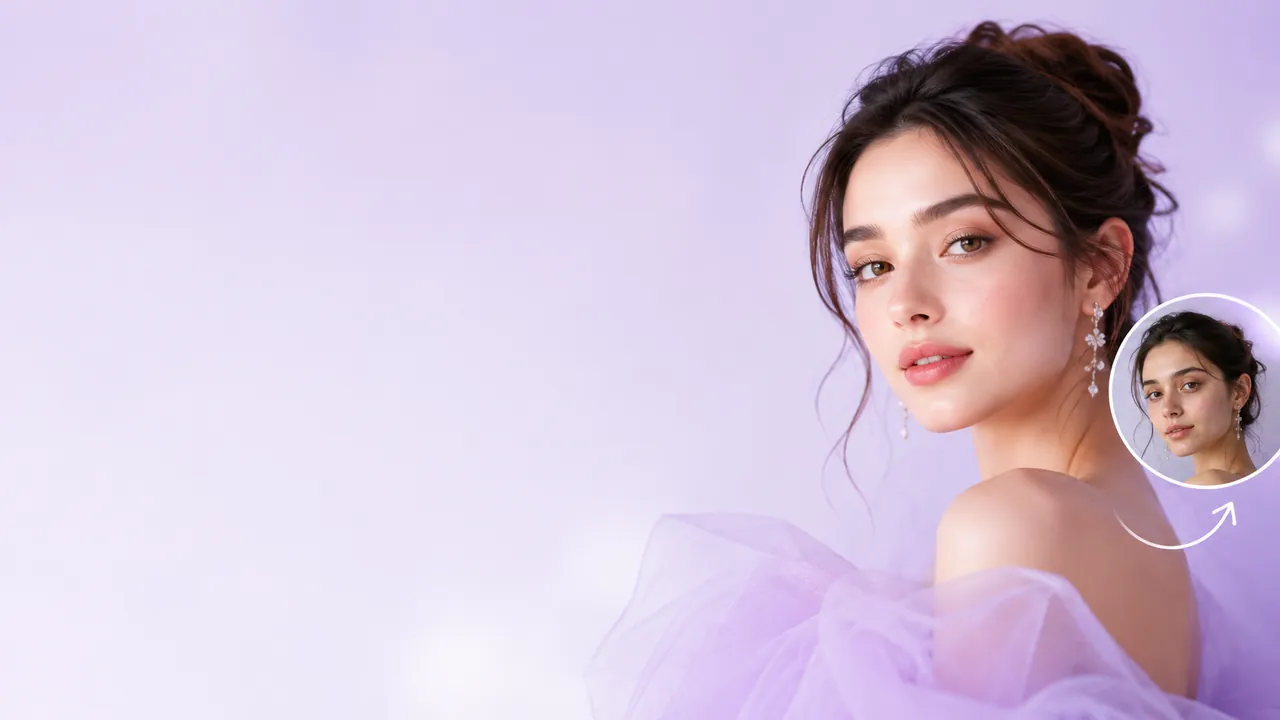
Replace backgrounds, restyle photos, and create new variations from your original.
Learn more: AI Photo Editing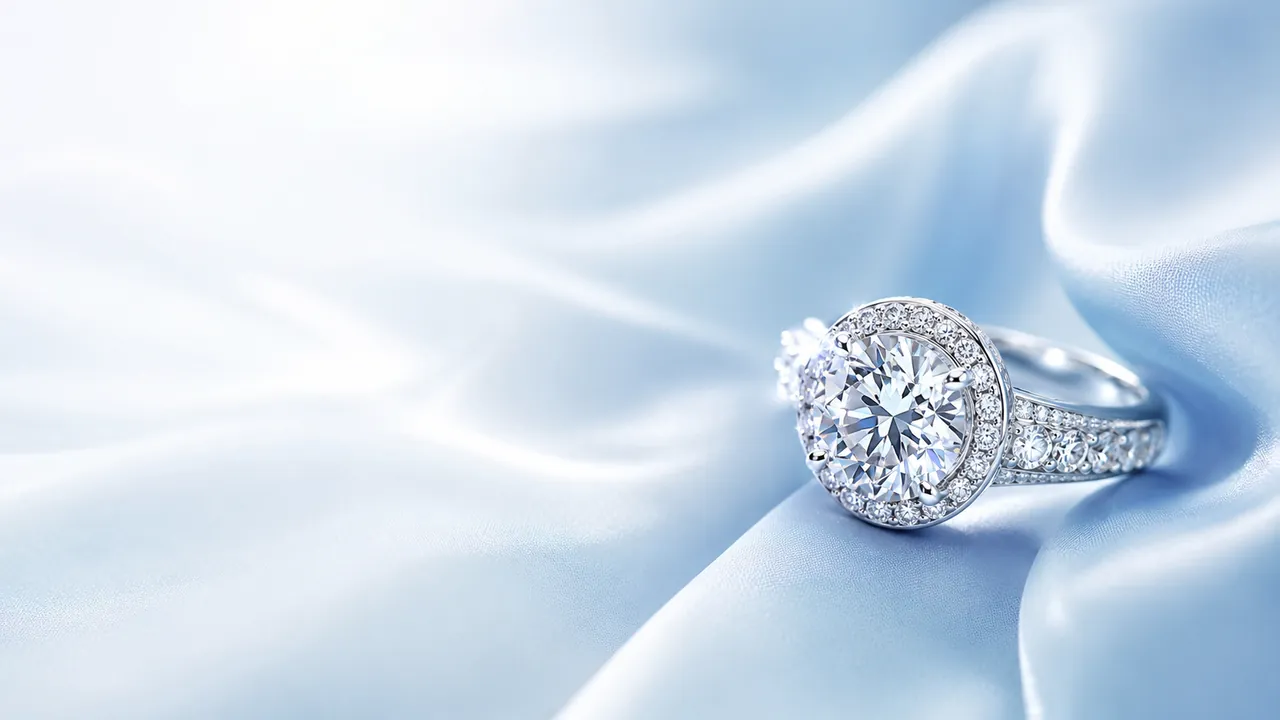
Sharpen detail, fix lighting, and upscale photos for professional use.
Learn more: Image EnhancementTurn still photos into AI videos for ads, social, and campaigns.
Learn more: Image to VideoSIMPLE WORKFLOW
Upload one photo, choose the result you want, and use GenImagePro's image-to-image AI generator to create professional product, fashion, portrait, food, ecommerce, and creative visuals.
Start with one photo and create ecommerce product shots, AI fashion photoshoots, food photography, portraits, real estate visuals, and short AI videos.


Before
CAPABILITIES
From ecommerce and clothing photoshoots to portraits, rooms, and AI video — all from one upload.
Polished shots for ecommerce, ads, and social.
On-model photoshoots, ghost mannequin, and catalog looks.
Studio, lifestyle, and branded scenes in one click.
Edit, restyle, and transform with AI tools.
Profile photos and business headshots from any upload.
Makeup looks and natural portrait retouching.
Redesign rooms and stage empty listings.
Turn stills into product, fashion, and walking videos.
POPULAR CATEGORIES
Beauty Product Photography

With image-to-image AI, your uploaded photo stays at the center of the creative workflow. Change the scene, background, lighting, styling, or motion while keeping the original subject as your reference.
Your source
Product, garment, portrait, or room — the subject you already have remains the visual reference.
Your product, clothing, face, or room remains the starting point for every result.
Move the subject into studio, lifestyle, campaign, and creative scenes.
Explore multiple visual directions from the same source without arranging another shoot.
Choose a workflow or ready-made style, then refine the result only when needed.
TEXT-TO-IMAGE

GENIMAGEPRO
Use your original image as the visual reference while creating new backgrounds, photoshoots, edits, and motion.
Keep the original shape, colors, packaging, and recognizable product characteristics as the starting point.
Preserve the garment, silhouette, styling, and important visual details across fashion concepts.
Create new portrait styles and environments while maintaining the uploaded person as the reference.
Take the same visual direction from a still image into additional variations and short AI videos.
Generative results can vary, especially around very small text, logos, intricate patterns, and fine details.
Use your photo as a reference to generate new AI images, preserve important details, create multiple variations, and customize each result without complex prompting.
Generate From a Reference Image
Use an existing photo as the starting point for AI image generation while changing the background, scene, lighting, style, or overall creative direction.
Keep Products & People Consistent
Preserve recognizable product details, clothing, faces, and subjects across different AI-generated images and creative concepts.
Customize With AI Photo Editing
Refine backgrounds, environments, composition, colors, and styling with AI photo editing and custom instructions.
Create Multiple AI Image Variations
Generate different looks, scenes, campaigns, and visual concepts from the same source image without starting from scratch.
Carousel scrolls automatically. Hover to pause.
Turn one existing image into a complete set of campaign-ready photos, edits, social assets, and videos — without starting from scratch.
Source
Upload one clear product photo and use it as the consistent source for every new asset.
02
Generate a polished listing image with clean lighting, accurate details, and a distraction-free background.
03
Place the same product inside a realistic branded environment designed for your audience.
04
Turn the strongest visual into campaign concepts for ads, banners, and social posts.
Output
Add camera movement and scene motion for product pages, paid ads, and social campaigns.
CUSTOMER REVIEWS
From product photos and AI photoshoots to campaign-ready videos, GenImagePro helps teams create more without adding more shoots.
FAQ
Everything you need to know about creating AI images and videos with GenImagePro — from uploads to commercial use.
GenImagePro is an AI image and video creation platform that transforms your existing photos into new professional visuals. You can create product photography, fashion photoshoots, portraits, backgrounds, food images, beauty edits, room visuals, ecommerce content, social media creatives, and short AI videos using your uploaded image as the starting point.
Upload an image, choose the type of result you want, select a template or workflow, and generate a new visual in seconds with the AI image generator. GenImagePro uses your uploaded photo as a reference while changing elements such as the background, scene, styling, lighting, composition, or overall visual direction. See how to use image-to-image AI for the full workflow.
No. GenImagePro is designed around ready-made templates, visual styles, and simple controls, so you can create professional AI images without writing prompts from scratch. If you want more control over the result, you can also add custom instructions — see image-to-image prompts for structured examples.
Create product photos, AI photoshoots, edits, and short videos from a single upload.
Practical guides for AI product photography, fashion photoshoots, image-to-image editing, food photography, and AI video.

Studio, lifestyle, and marketplace prompts that keep the product accurate.
Read guide
Clothing prompts for studio, street, lookbook, and ecommerce fashion photos.
Read guide
White studio, lifestyle, and social scenes from one product photo.
Read guide
Menu, delivery-app, restaurant, and social food shots from a structured prompt.
Read guide
Image-to-video prompts for product reveals, ads, and motion from a still.
Read guide
Turn clothing photos into model walks, catwalk clips, and fashion ads.
Read guide


